Isn’t there a particularly confusing word in beautiful Korean? At that time, you can use Naver language quiz with your children, from pure Korean to spelling quiz as well as four-character idioms!

You just have to have fun researching and understanding.”:) Today, we would like to share how to use Naver Korean and spelling quizzes that we often use. From solving confusing Korean Naver Korean spelling quiz to pre-linked study!

1. Search for Korean quizzes in the Naver search window.
인기글


2. If you search for Korean quizzes, you will find Korean quizzes that may be confusing or difficult to find, including four-letter idioms, orthography, pure Korean, proverbs and new foreign word coined words.The four-character idiom quiz will be presented in multiple choice form.

3. In the case of the Korean Language Quiz spelling quiz, questions are listed just like four-letter idioms.

4. When you solve the quiz, you will immediately see if there is a wrong answer or correct answer, and if you press the detailed button, a screen will appear that allows you to learn more about the meaning of words or words in connection with the Korean dictionary.
This part is useful when studying with children. I’m solving spelling quizzes for fun, and in the case of wrong answers, just reading them through the Korean dictionary is very helpful. Recently, there is a process of practicing reading the Korean dictionary in the Korean language curriculum of my third-grade son, and looking for spelling through Naver’s Korean dictionary and looking for it again. 🙂 After you have completed the Korean quiz, your score will appear. If you press Solve continuously, you can continue to solve the spelling quiz

There is a way to check and use spelling that is confusing directly even after playing spelling quiz and studying with your children.It’s the use of Naver spelling checker. METHOD FOR UTILIZING NAVER SPRAY INSPECTION USEFUL IN BLOG CREATION
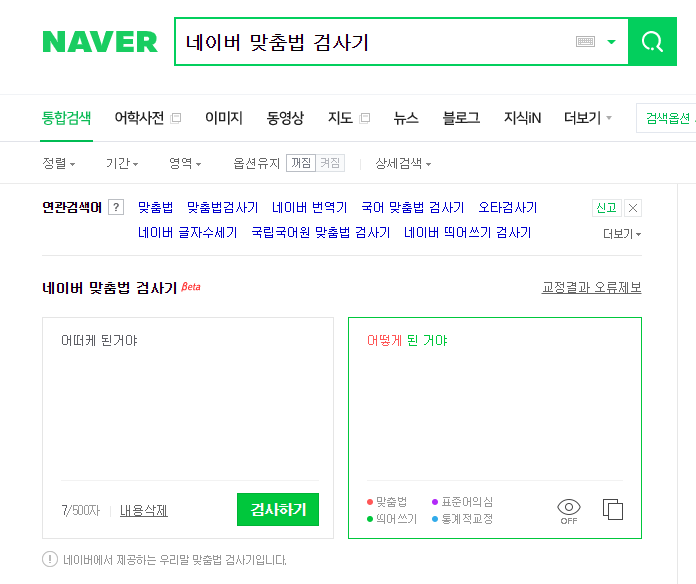
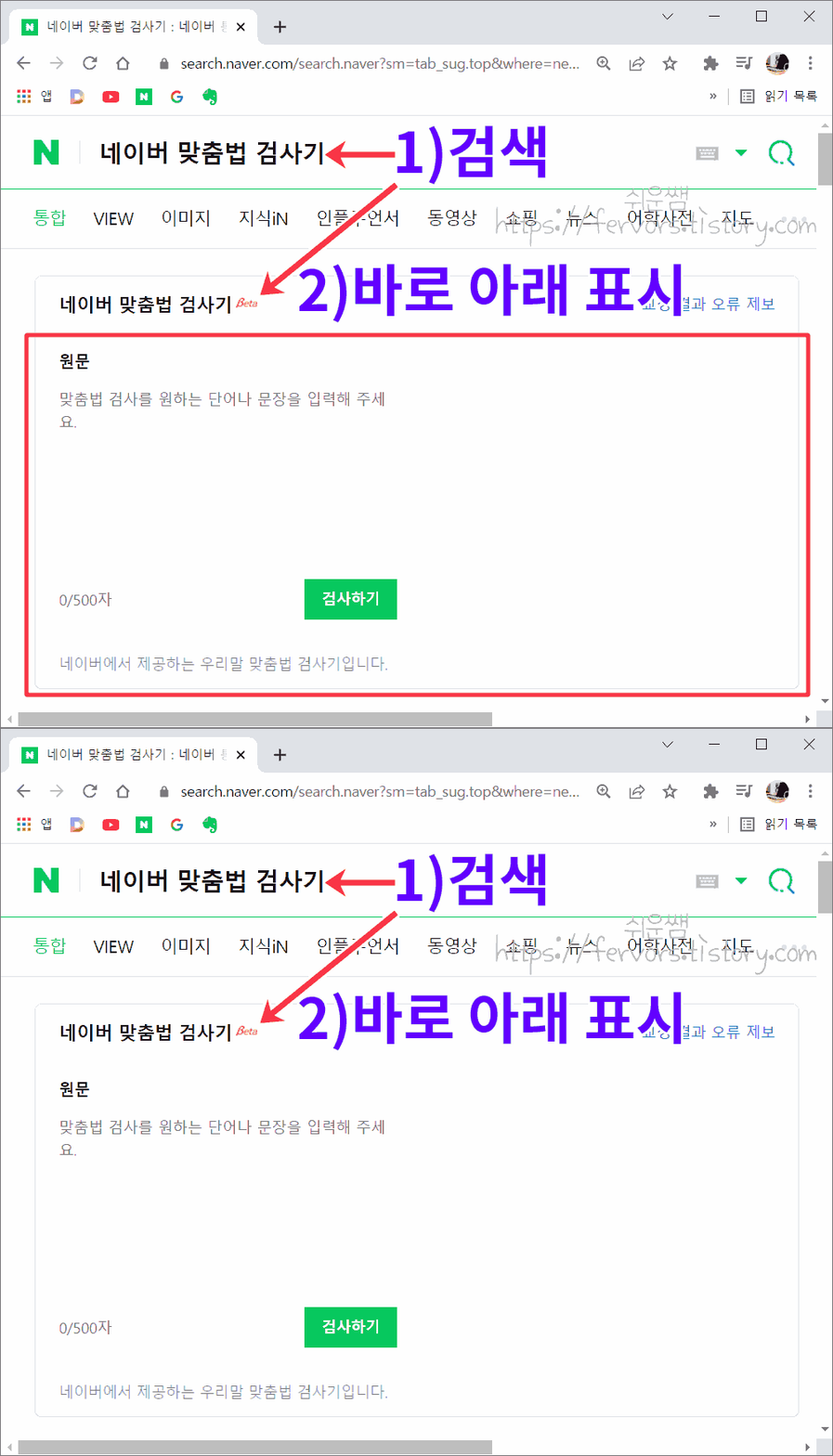
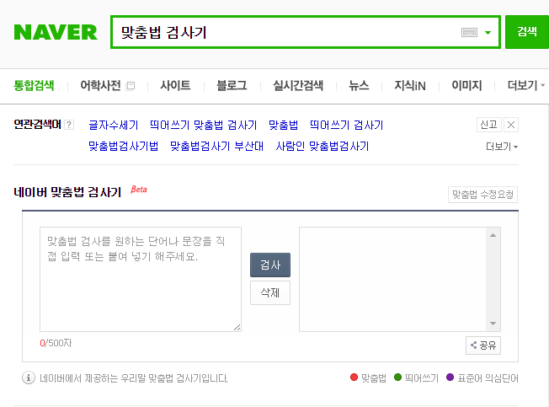
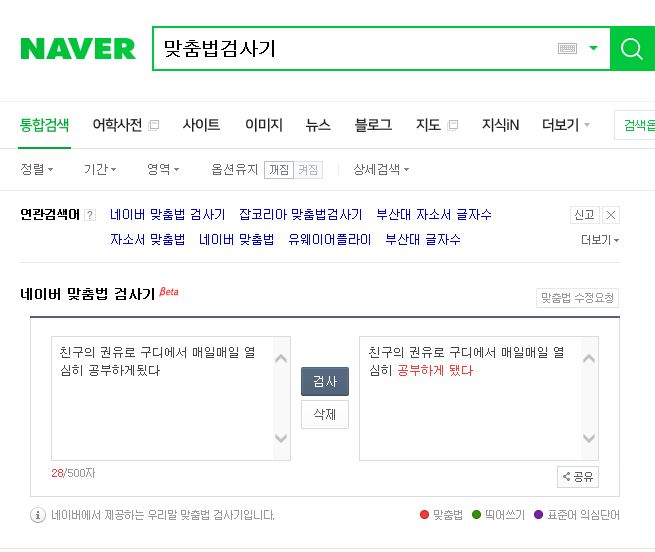
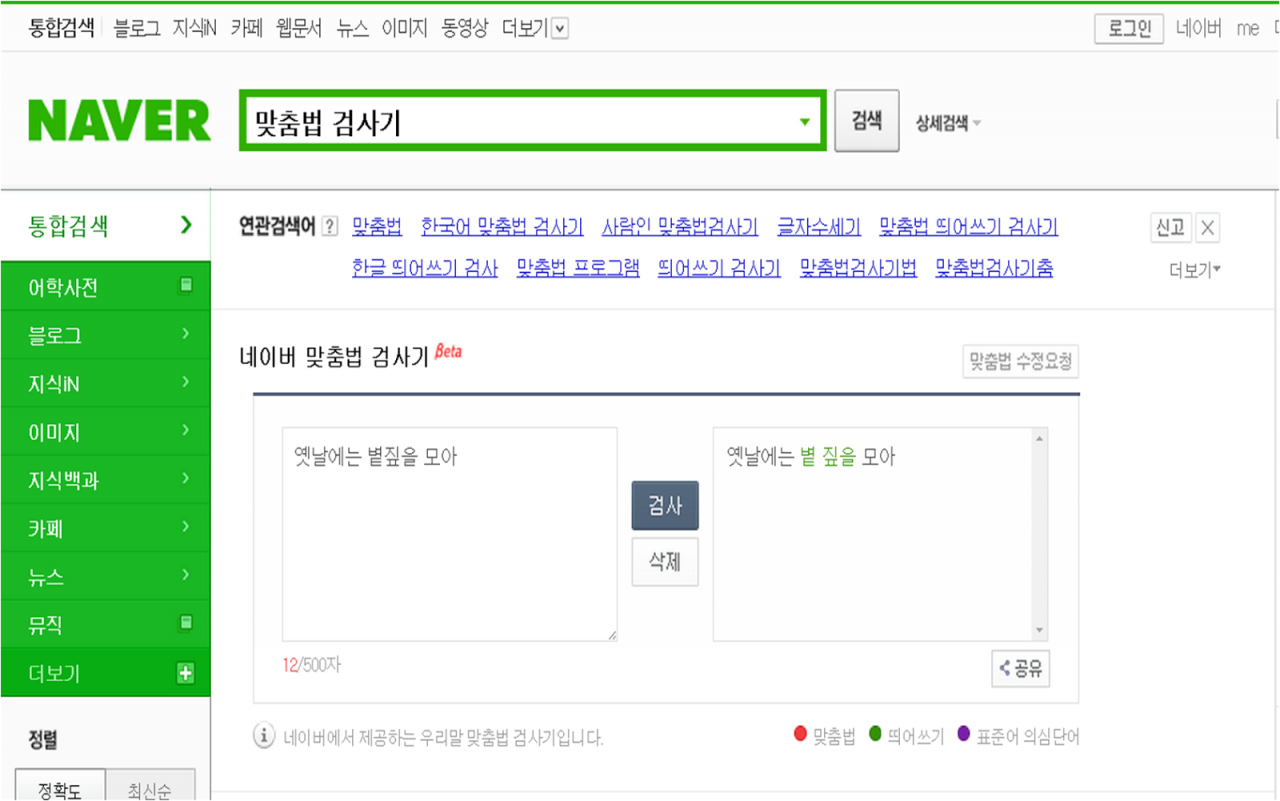
5. In the Naver Integrated Search window, search for a spell checker. The screen is displayed immediately, and you can check up to 500 characters of spelling that bothers you. Since it is possible to write up to 500 characters, can I make more proper data with a spelling test machine when preparing various documents?^^
When creating a blog, there is a way to check spelling without using a spelling machine. It’s the spelling button on the top. In my case, I always check my spelling when I write a blog.I write it carefully when I make a posting, so I’m worried if there are any mistakes or typographical errors for no reason. So I always publish it after checking spelling.
If you open the blog posting creation page and write a sentence, click the spelling button at the top to automatically check and display incorrect spelling. You can select Modify and Exclude while looking at the contents in the right pane, and you can modify them all at once by modifying them.I am correcting everything by checking the words in the right window rather than correcting them. Sometimes it is expressed in words that I don’t intend, so I check them carefully and correct them.Use the simple and simple spelling check function in this blog to try difficult or confusing spelling correctly. Today, we introduced how to use Naver Korean Quiz Spelling Quiz and Blog Spelling Check. Thank you for reading my article again today. Have a cool and healthy nightblog.naver.com/mae_ma_madecopyright 2023.calli_maedongmom I reserve all rights.